Content directly on visitor phones
Visitors scan a QR code and instantly listen to audio, read stories or view historical photos of the exact stop or exhibit.
Digital audio guide with no app required
Visitors scan a QR code and instantly listen to audio narration, read stories or explore photo galleries on their own smartphones. You manage multilingual content and track visitor statistics without expensive devices.
Quick answer
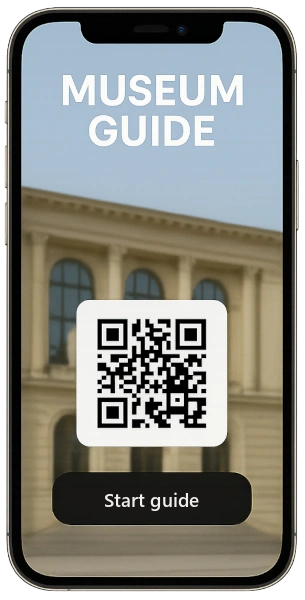
QR Guide is a web-based interactive guide for museums, towns, parks and exhibitions. Visitors scan a QR code and open text, audio, video or photo galleries directly on their phone, without installing an app or borrowing a device.
Key benefits
Visitors scan a QR code and instantly listen to audio, read stories or view historical photos of the exact stop or exhibit.
Serve local and international visitors with a single QR code. The guide detects the phone language automatically or lets visitors choose.
There are no handheld audio devices to buy, charge or sanitise. Visitors use their own phones, so staff can focus on the visitor experience.
Update text, audio or photos online without reprinting signs. Statistics reveal your most popular stops.
Solution comparison
See why museums, towns and trails replace printed boards and costly custom apps with QR Guide.
| Feature / Solution | Printed signboard | Hardware audio guide | Custom mobile app | Recommended QR Guide (mobile web guide) |
|---|---|---|---|---|
| Initial setup cost | Printing and materials, depending on scope | Purchase or rental of devices | Custom app development | From €4 / month (1st month free) |
| Download / app install required | No | No (desk pickup required) | Yes (many visitors skip it) | Zero (opens instantly in browser) |
| Multilingual tourist support | Very limited by board size | Preloaded languages only | Yes | Multiple languages in 1 QR code (by plan) |
| Content & audio updates | Expensive reprinting needed | Manual hardware re-flashing | Slow app store reviews | Instant online CMS updates |
| Staff workload & maintenance | None | High (charging, disinfection, loss) | User troubleshooting | Zero (visitors use own phones) |
| Analytics & visitor data | None | Minimal | Yes | Detailed stats per stop & language |
Experience how easy QR Guide is to manage in practice:
Try 1 month freeProcess
In a simple web administration, add texts, upload photos, audio narration or videos for each stop.
Download print-ready QR codes. Place them on plaques, posts, trail maps, leaflets or entrance boards.
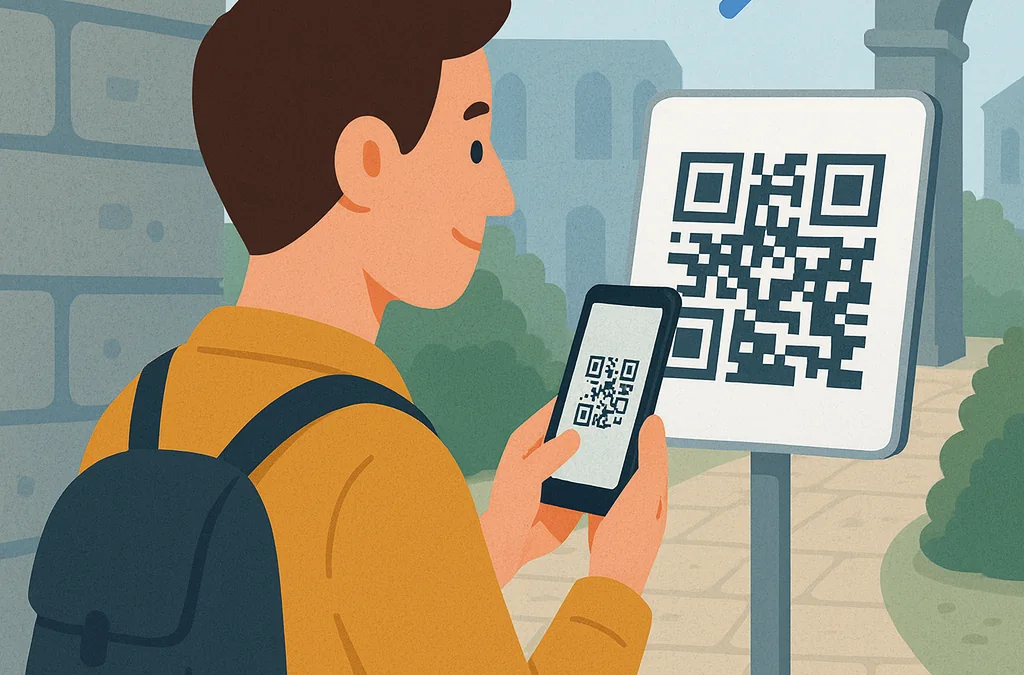
Visitors scan with their standard phone camera. The interactive guide opens immediately with audio and route navigation.
See page views, most-played stops and language shares in your analytics dashboard.
Interactive Simulator
Try the live simulation: play audio narration, switch language or navigate to the next stop. This is the exact interface visitors see after scanning the QR code.
Request a free trial account and create your first stops with your own content.

Chateau Park · Stop 1 / 3
Welcome to the chateau park. Follow the path among the trees and shrubs and look at the information signs beside the plants. This digital guide shows how visitors can explore the park at their own pace. There is nothing to install: simply play the narration, read the text or open the photo gallery.
QR Guide
Scan the QR code to open the chateau park guide on your phone in the selected language.

Or open in browser: Open the chateau park ↗
Best use
QR Guide is useful where a printed sign is too limited and the visitor’s own phone is the simplest device.
Proven in practice
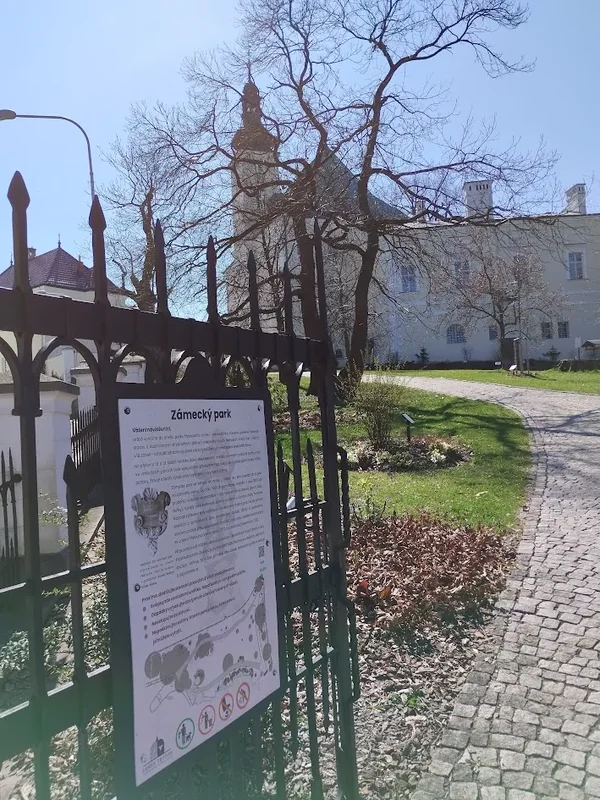
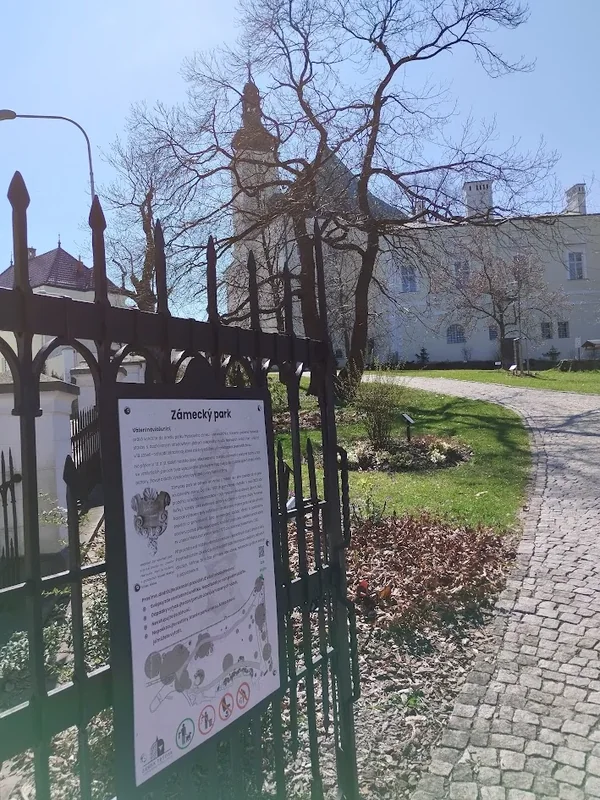
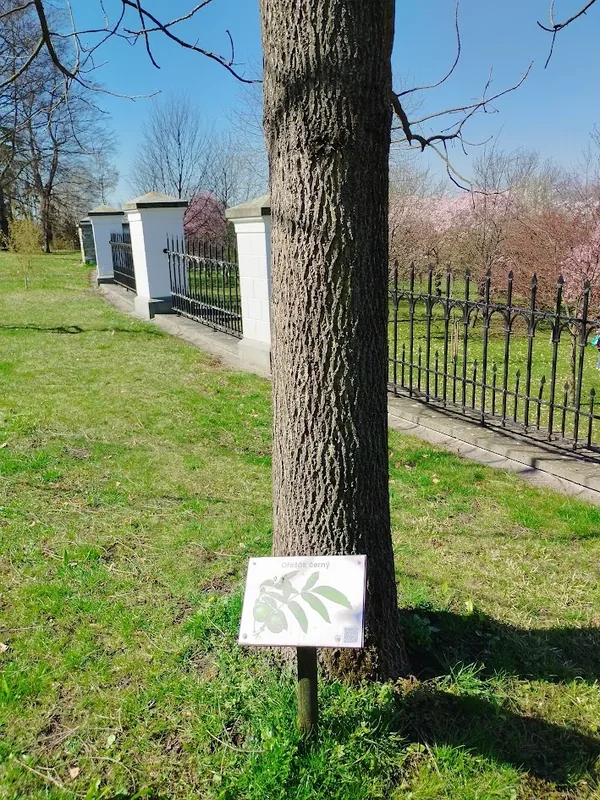
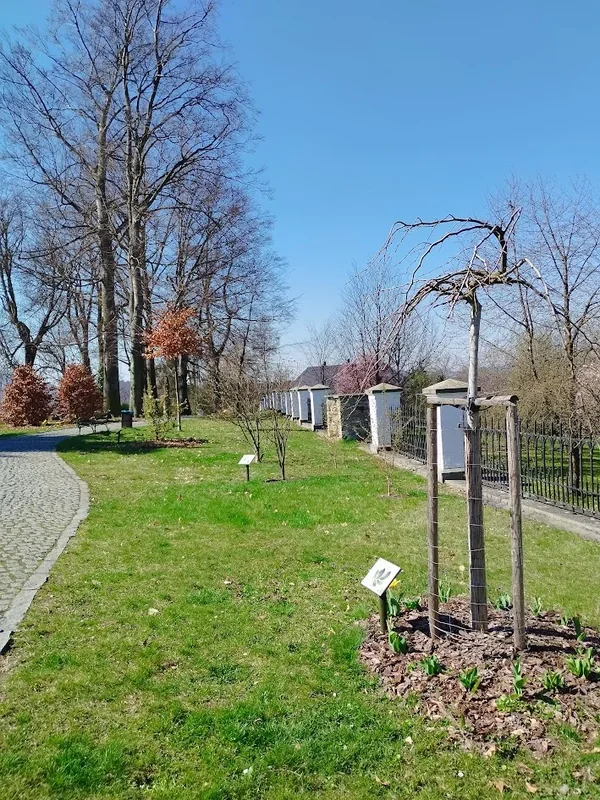
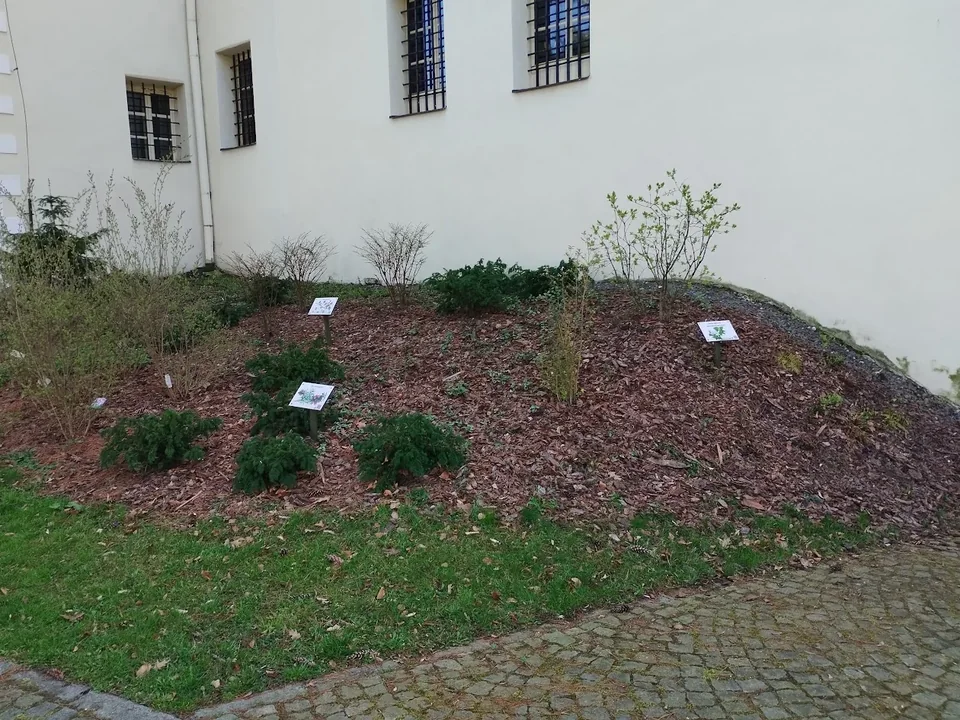
QR Guide is a proven solution in live production, including the Chateau Park trail in Frýdek-Místek. All photos show real installations. The service is operated by the European software company Service Anywhere s.r.o.
Solutions by use case
A museum needs interpretation at exhibits, a town needs a coherent route, and an exhibition needs QR codes that visitors can scan easily.
Museum QR codes that open audio, text, video and photos on visitors’ phones. No app or loan devices, several languages and statistics per stop.
A digital audio guide that opens in a mobile browser. No loan handsets, with multiple languages, text, photographs, video and statistics.
A multilingual QR route for monuments, parks and heritage walks. Available around the clock without an app, with online updates and usage statistics.
How to use QR codes in exhibitions: scan distance, contrast, placement, fast mobile pages, languages, audio and stop-level measurement.
Text in the guide
Below are three real stops from the current Frýdek-Místek guide. They start with the opening page, which explains how to use the guide, scan QR codes and switch language. This is the kind of mobile text that works on site: short, specific and written for a visitor standing in front of the stop.
 Scan the opening QR code and try the live Frýdek-Místek guide.
Live example 104
The opening stop explains that visitors need an internet connection, camera permission for scanning QR codes and that photos or videos are placed below the text.
Live example 105
The stop describes the former Gothic castle near Chateau Square, its Renaissance and Baroque rebuilding and its current use by the Museum of the Beskids.
Live example 106
The example presents a specific town monument on Chateau Square: the protective role of St Florian, fires in Frýdek and the restoration of the fountain.
Photo gallery
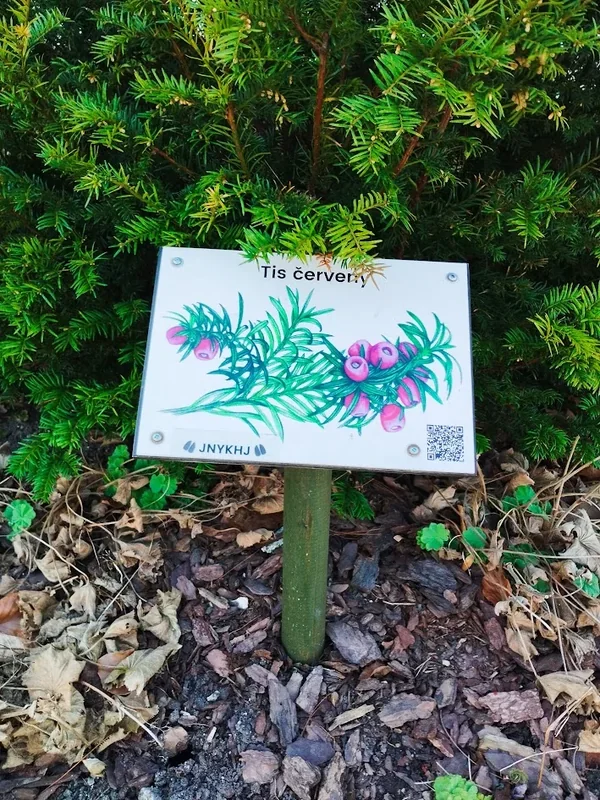
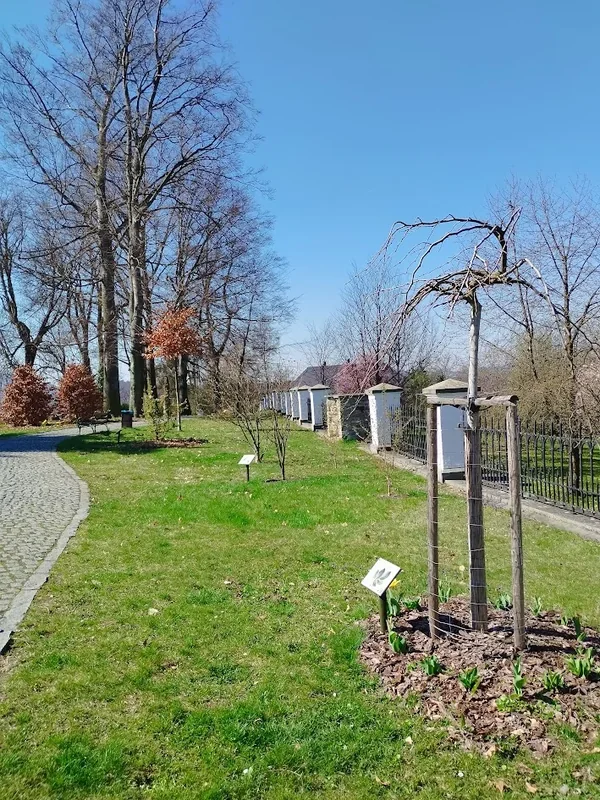
The photos are from the Chateau Park in Frýdek-Místek and the educational route near Frýdek Castle. You can try QR Guide directly on site: at the entrance, by the trees and on the information board.
Video in the guide
QR Guide can show video at a stop as naturally as text, audio or a gallery. It is useful for short reconstructions, craft demonstrations, historical comparisons or movement that a static sign cannot explain.
A short video can explain a story, process or transformation faster than a long caption.
Scan the QR code and the guide opens immediately.
No app installation is needed; a normal mobile browser is enough.
One stop can contain text, audio, video and a photo gallery in the visitor’s language.
The administrator can see visit statistics and prepare QR codes directly in the administration.
Plans
Prices are monthly with no hidden fees. Try any plan free for one month.
Risk-free start
Before choosing a plan, you can test QR Guide on a smaller demo and check text, galleries, video and statistics.
START
a complete basic plan
4 EUR / month
Popular choice
MINI
for smaller spaces
12 EUR / month
STANDARD
for medium spaces
24 EUR / month
BIG
for larger spaces
40 EUR / month
Most space
NO LIMIT*
for projects that do not want ordinary limits
80 EUR / month
INDIVIDUAL
for a specific project
on request
Prices are shown in the currency of the selected market; we confirm the final country-specific quote before ordering.
* For support, “within” means the start of request processing. Phone support is provided at agreed times. It includes up to 1 hour per month; additional time is charged at 8 EUR / hour. For plans without phone support, phone consultation is charged at 60 EUR / hour. The NO LIMIT plan has a total storage capacity limited to 15 GB.
Content
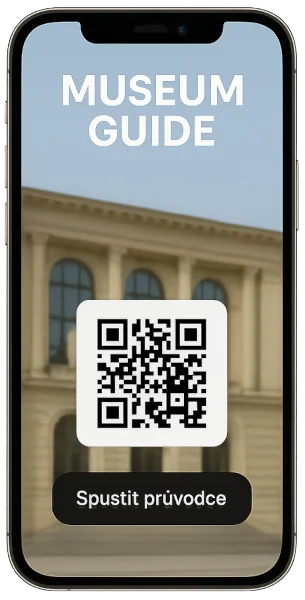
A digital guide does not have to be expensive technology reserved for large museums. QR Guide brings text, audio, video and photos directly to visitors’ phones.
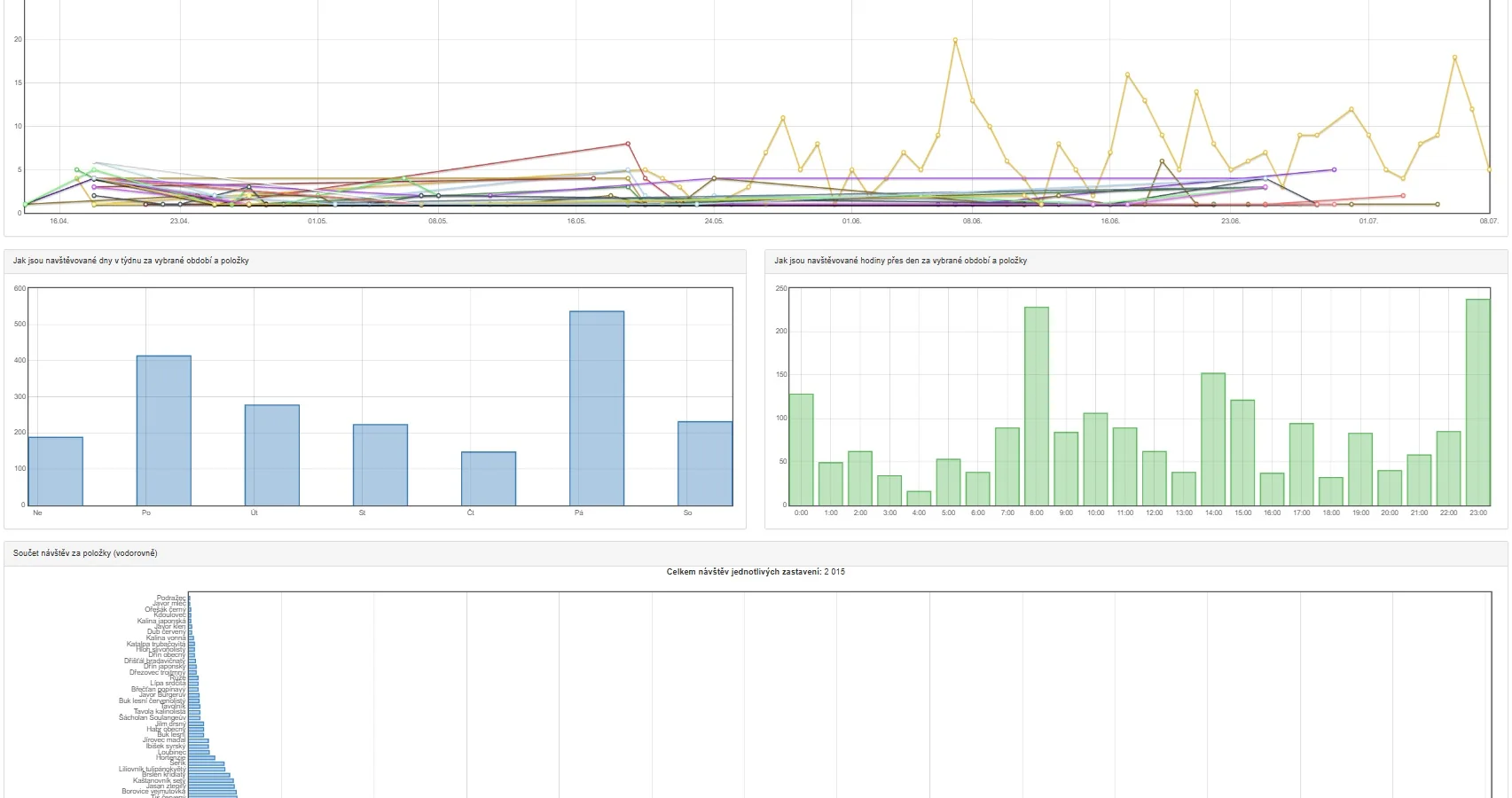
Visitor statistics show how often each stop is viewed, which languages are used and which days or hours bring the most traffic.
A practical process for museums and smaller exhibitions: choose the right stops, prepare mobile-first text, QR signs, audio, languages and statistics.
A QR code alone is not enough. Typical problems include small codes, poor contrast, slow pages, long text, missing languages and no visitor measurement.
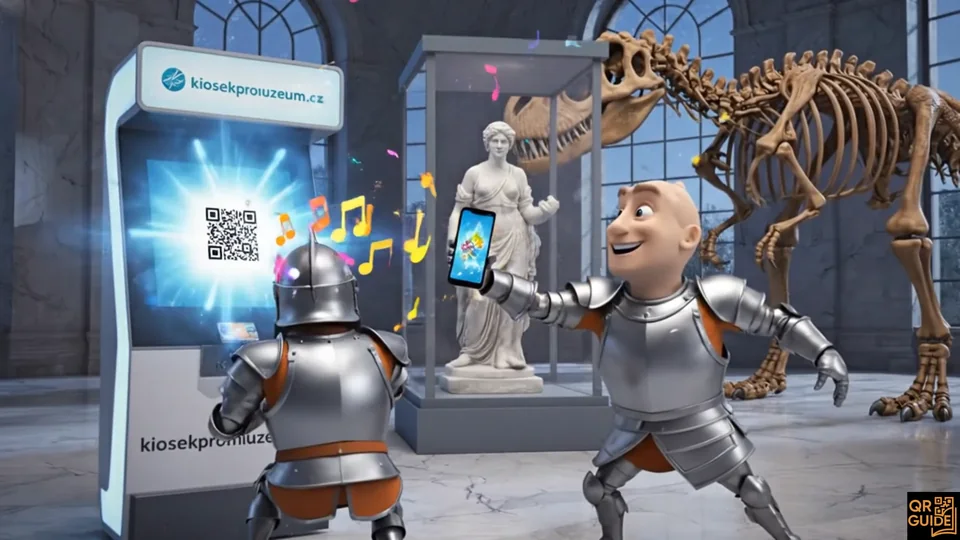
An interactive guide does not have to be a separate app. QR Guide opens in the mobile browser and combines text, audio, video and galleries.
FAQ
No. The guide opens immediately in standard mobile browsers (Safari, Chrome) after scanning the QR code with the phone camera.
There is only one physical QR code. After scanning, the guide automatically detects the visitor’s phone language (or the visitor can tap the flag icon at the top). You don’t need multiple physical boards.
The guide loads in a mobile browser. Loading speed depends on the local connection and the size of photos, audio and video. Test every stop on site before launch; arrange Wi-Fi or discuss an offline solution with us if needed.
You can enter texts and photos yourself in the simple administration panel. For audio narration, the system supports automated text-to-speech (TTS) or you can upload your own custom MP3 recordings.
You can easily download print-ready QR files from the admin panel. They can be printed on aluminium composite boards (Dibond), plastic, engraved signs, wood or paper maps.
Yes. You can update text, photos, audio and languages online without replacing the printed QR code. Visitors see the updated content when they next open or reload the guide.
We create a fully functional test account where you can create stops, upload content and test the guide directly on your smartphone. Completely free, with no obligation and no credit card required.
The standard guide requires mobile data or Wi-Fi. For places with no signal at all, we can arrange offline operation and prepare the solution for your specific site. Just get in touch.
Contact & enquiry
Request a free 1-month trial or a quote. Within 24 hours we will set up your trial account or propose the best setup for your space.