Interactive guide without an app: mobile interpretation available 24/7
Short summary
An interactive guide does not have to be a separate app. QR Guide opens in the mobile browser and combines text, audio, video and galleries.
- launch via QR code
- content directly on the phone
- no app to download
What an interactive guide without an app means
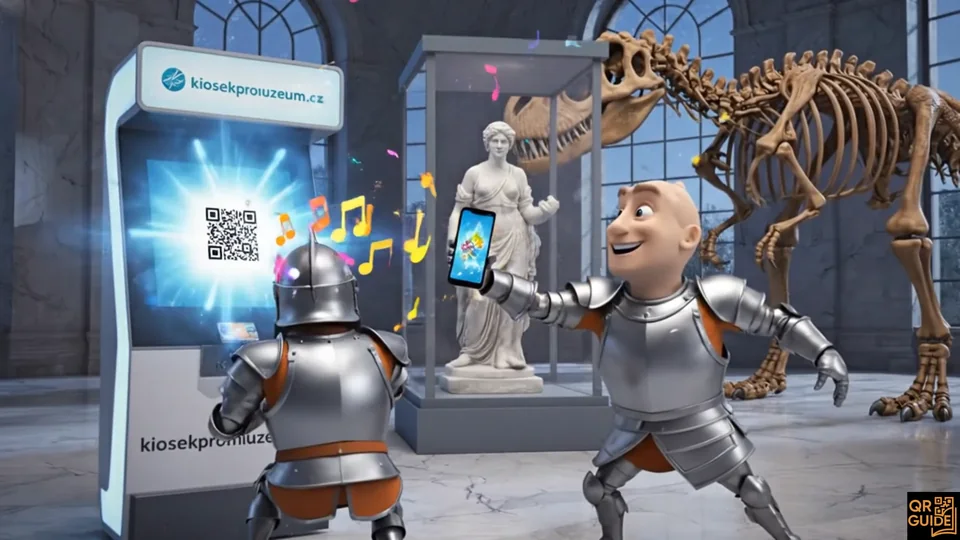
An interactive guide without an app is a web guide that visitors open after scanning a QR code. It needs no installation, registration or borrowed device. The content runs in an ordinary mobile browser, so it works on iPhone and Android and for international visitors.
- launch via QR code
- content directly on the phone
- no app to download
Why 24/7 availability matters
Museums and exhibitions have opening hours, but outdoor routes, parks, memorials and town trails are often visited outside them. QR Guide can offer interpretation at any time: in the evening, at weekends, on a self-guided walk or outside the main season.
- educational trails and town routes
- castle parks and outdoor exhibitions
- places without permanent staff
What content a mobile guide should offer
The basis is a short text and a clear stop heading. The real value comes from combining media: audio helps those who do not want to read, video shows movement or how a place has changed, and a gallery brings out details that visitors easily miss on site.
- text interpretation
- audio guide
- video presentation
- gallery of details
When a web guide is better than a custom app
A custom app makes sense for large projects with repeated use. For a smaller museum, exhibition, park or town route, a web-based QR guide is often faster and cheaper. Visitors reach the content immediately and the institution does not have to distribute an app through the app stores.
- lower initial costs
- faster launch
- less technical support for visitors
What must be ready before launch
The most important thing is not the QR code itself but the content behind it. Every stop needs a short introduction, a clear language choice, good photos and simple navigation to the next place. On outdoor routes, also test the mobile signal and how readable the code is in sunlight.
- a stable URL for each stop
- a loading speed test
- a readability check of the QR signs
How to tell that the guide works
After launch, follow the statistics. They show which stops are popular, where visitors leave and which languages are used. The guide can then be improved step by step: edit the text, add audio or video, or move a QR sign.
- views per stop
- language usage
- continuous content improvement
Where to continue
Explore related solutions or view pricing:
Want a similar guide?
Send us a short description of your exhibition or route. We will recommend the plan and content preparation process.
Request a QR Guide quote