How to introduce a QR guide in a museum step by step
Short summary
A practical process for museums and smaller exhibitions: choose the right stops, prepare mobile-first text, QR signs, audio, languages and statistics.
- fewer loan devices
- more languages under one QR code
- better interpretation where a label is not enough
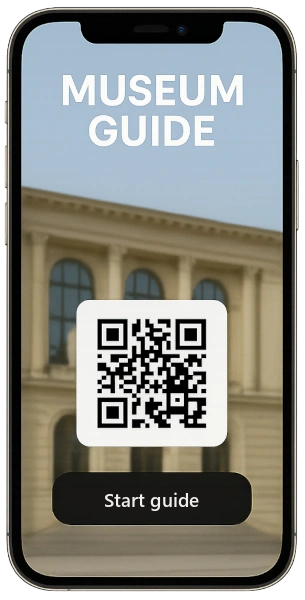
1. Define what the digital guide should solve
Start by writing down why you are introducing a QR guide. A short interactive guide for a seasonal exhibition is prepared differently from a digital audio guide for a permanent exhibition, or from an outdoor route that must work 24/7 without staff.
- fewer loan devices
- more languages under one QR code
- better interpretation where a label is not enough
2. Choose the stops that really need interpretation
Begin where visitors often hesitate or where a short label is not enough. Twelve strong stops are better than forty empty pages. Every stop needs its own reason: a story, a detail, a connection or practical navigation.
- objects with unclear context
- places where visitors naturally stop
- points you want to measure in the statistics
3. Write for the phone, not for the catalogue
Mobile interpretation should be short, structured and concrete. The first paragraph must tell visitors why it is worth staying at the object a little longer. Long catalogue texts work better split into a short introduction, one striking fact and an extension for those who want to read on.
- a heading with the name of the stop
- an introduction of up to three sentences
- one main idea per paragraph
4. Decide where audio, photos or video help
Audio suits stories and atmosphere. A photo can show a detail or the original appearance of a place. Video makes sense where it genuinely adds to the explanation: a machine in motion, a reconstruction, how a place has changed or a short craft demonstration.
- audio for visitors who prefer not to read
- a photo gallery for object details
- video for action, movement or comparison
5. Treat QR signs as part of visitor navigation
A QR code should not be stuck on at random. At the entrance, explain that the guide works on the phone without installing an app. At each stop, keep the same height, contrast and a clear call to action such as “Scan for the audio guide”.
- a sufficiently large QR code
- a matte surface without glare
- a short instruction next to the code
6. Test the route on site
Before launch, walk the route as an ordinary visitor. Check the code’s readability, the lighting, the mobile signal, the loading speed and whether visitors understand the next step without staff having to explain it.
- test on iPhone and Android
- test over mobile data
- check the language choice
7. Monitor statistics and refine the content
After launch, watch which stops people open. Weak stops are not necessarily bad: sometimes it is enough to move the sign, shorten the text or write a better introduction. That is exactly the advantage of a digital guide over a printed board.
- most read stops
- rarely used QR codes
- language versions in highest demand
Where to continue
Explore related solutions or view pricing:
Want a similar guide?
Send us a short description of your exhibition or route. We will recommend the plan and content preparation process.
Request a QR Guide quote